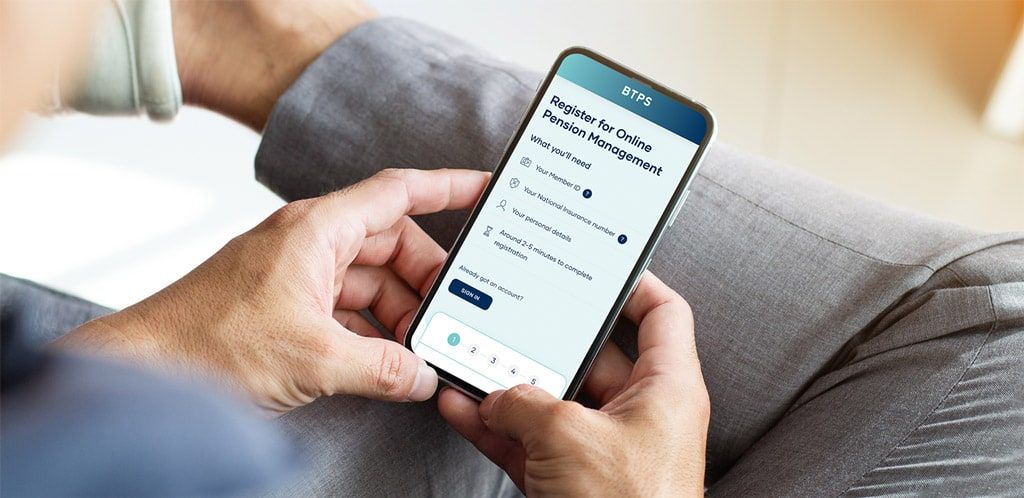
Paying your pension every month is our main aim. Your pension payslips and P60s are available for you to view and download on the member portal. Just log in and find all the information you need.
Pension payment dates
You can find a list of the pension payment dates for the year here. These are updated every April.
*If you’re paid quarterly, your pension payments will be made on these dates. You should receive your annual Payslip shortly before 30 April.
Pension payslips
A monthly payslip is available to view or download on the member portal. We also produce an annual payslip in April each year to show any pension increase that is applied for the year ahead. We also issue a payslip if your net monthly pension changes by £1 or more.
| Understanding your payslip |  DOWNLOAD | |
|---|---|---|
DOWNLOAD |
| Understanding your P60 | DOWNLOAD | |
|---|---|---|
DOWNLOAD |
HMRC and tax queries
If you have any queries about how your pension is taxed, or your current tax code, you will need to contact HMRC directly on the following number:
From the UK tel: 0300 200 3300
From overseas tel: +44 135 535 9022
Visit: www.gov.uk/personal-tax-account
We are unable to contact HMRC on your behalf and we are only able to update your tax code on the instruction of HMRC. You can access your pension P60 on the portal, just log in and go to My account, My documents then My P60s.
You can also chat with HMRC online or download the HMRC app from the HMRC website.
Read the factsheet below if you want to find out more about the impact of Income Tax on your pension.
| 2026 Tax information factsheet | DOWNLOAD | |
|---|---|---|
DOWNLOAD |
We are unable to contact HMRC on your behalf and we are only able to update your tax code on the instruction of HMRC. You can access your pension P60 on the portal, just log in and go to My account, My documents then My P60s.


 Back to In retirement